
About us
Land surveyors, architects and software developers with over 20 years experience.
Software development under Trimble Access, TBC, AutoCAD, Civil3D, SketchUp, Revit, etc.
3D laser scanning and building surveys in Germany.
Consulting engineers for Surveying, Architecture, BIM, GIS and Civil Engineering.
Features
Buildings Plugin is a Plugin for Trimble Business Center and enables a quick and easy Buildings CAD plans creation by using smart functions for automatically drawing each building object out of picking on the point cloud from any available view such us: 2D, 3D, Section cut, Station view, etc.
Buildings is divided into 6 main areas:

Settings
In this area, you can customise your stamps, language, plot scale, layers, text styles, decimal places, floors, etc.

Floor Plans
This area offers you different functions for creating quick and customisable floor plans with the main building components such us: walls, doors, windows, columns, beams, stairs, symbols, etc.

Sections
The sections are automatically created in the 2D view by picking the needed elements (points, lines, rectangles, polylines, etc) on a cutting plane view and reprojecting to the 2D view for an easier editing.

Elevations
The elevations work similar to the Sections but with additional elevations oriented functions.

Tools
This area offers additional tools such us renaming scans or exploring the whole created elements by floor and reporting to Excel.

3D Model
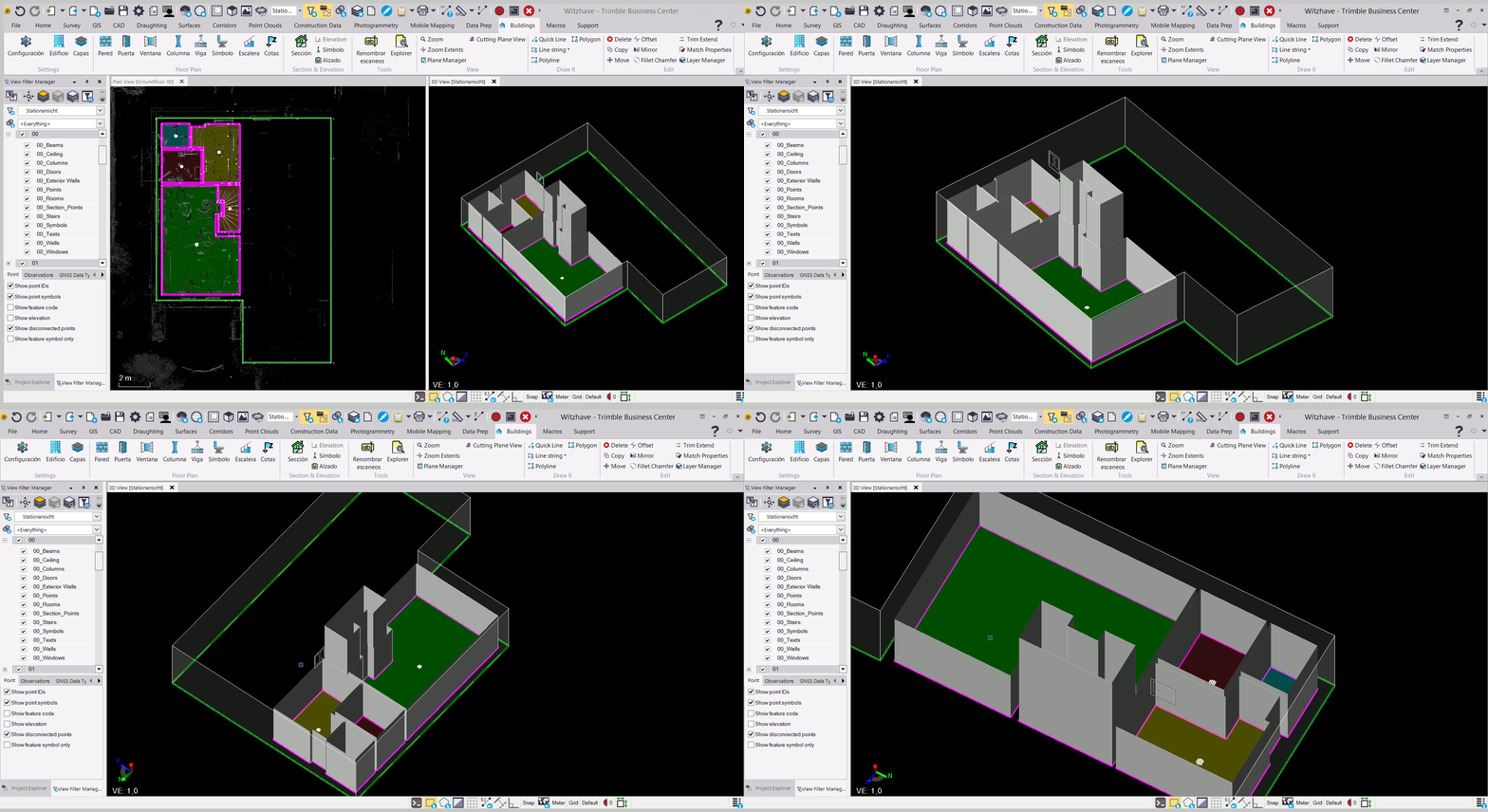
If wished, a 3D model is automatically created while creating the floor plans. Different 3D objects can be created (Linestrings, 3D Faces or 3D Shells).
Settings
You can customize texts, preffixes, language, plotting scale, layers, text styles, stamps, define floors and levels, etc.

Settings
Customization of texts, layers, plot scale, preffixes, etc.

Building
Automatic layers and floors creation, floor level assignments, etc.

Layers
Automatic layer selection for each element type and floor. Customization of layer naming convention, etc.
Floor Plans

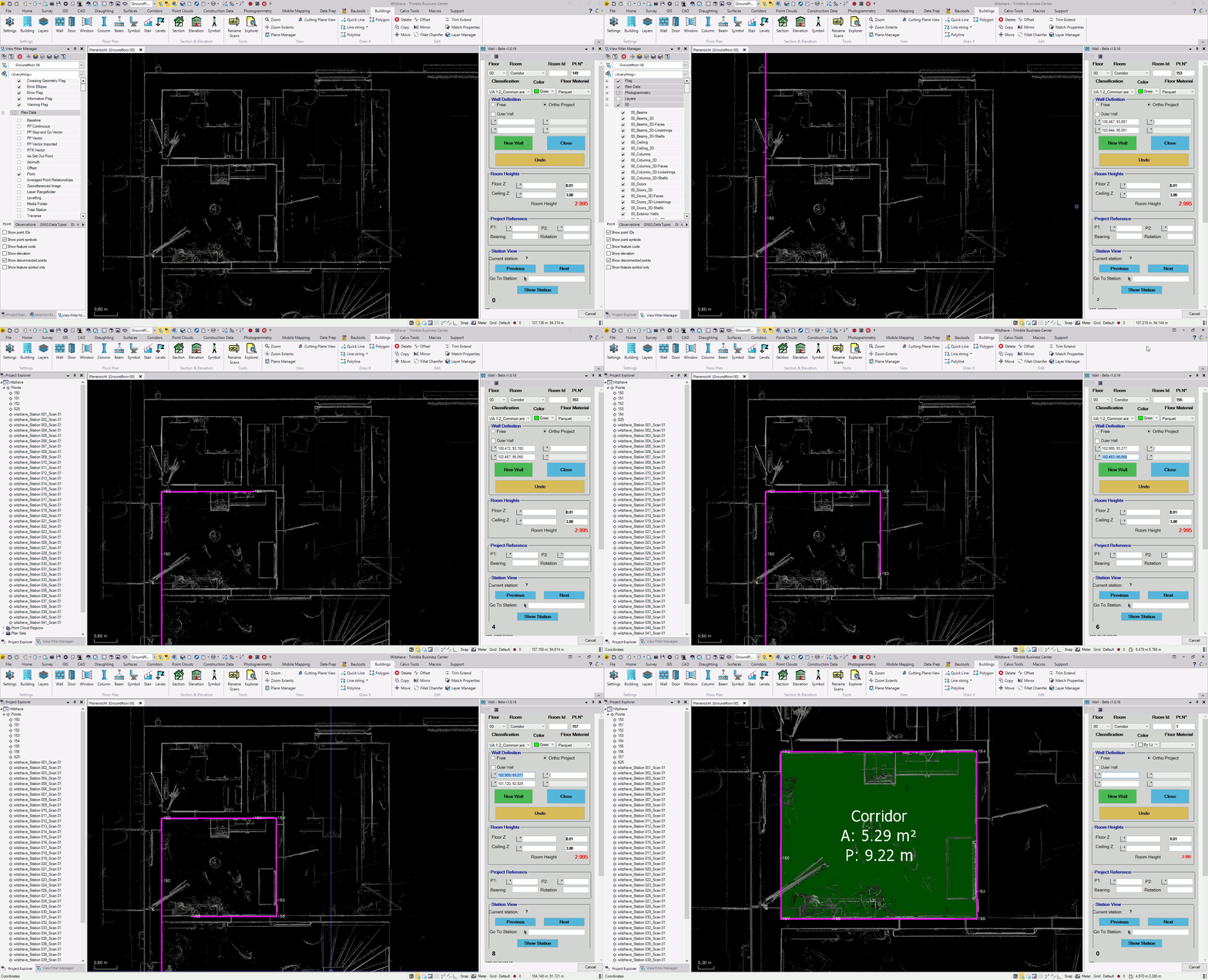
Walls
Floor, room and other assignments.
Automatic hatch color by room type or use.
Creation by 1 or 2 points per wall. Ortho and free.
Ortho mode with rotated building.
Easy and quick navigation through scan station views.
3D element creation (optional).

Doors
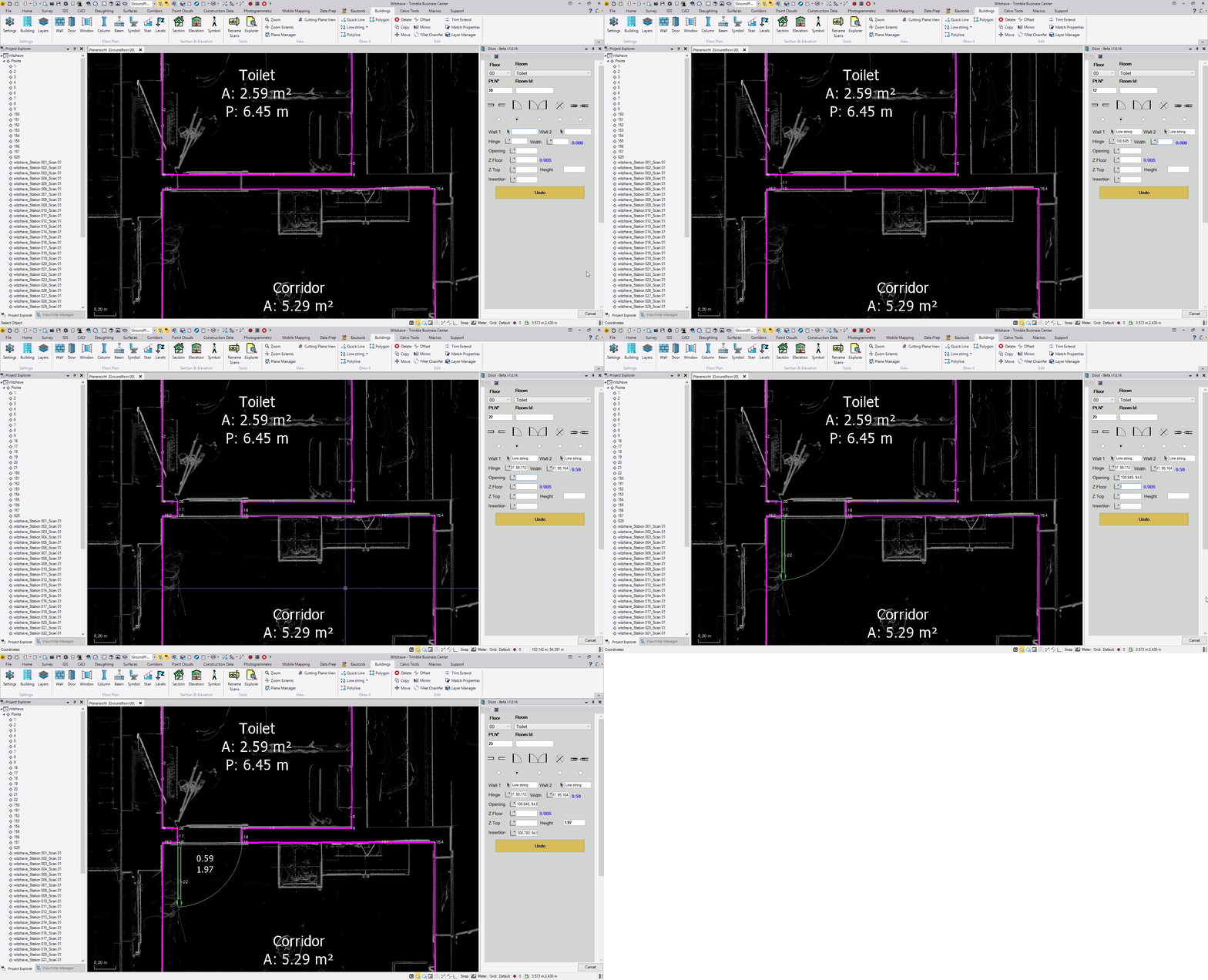
Floor, room and other assignments.
Different door types.
Quick points selection and element creation.
Optional stamp with customizable door details.
3D element creation (optional).

Windows
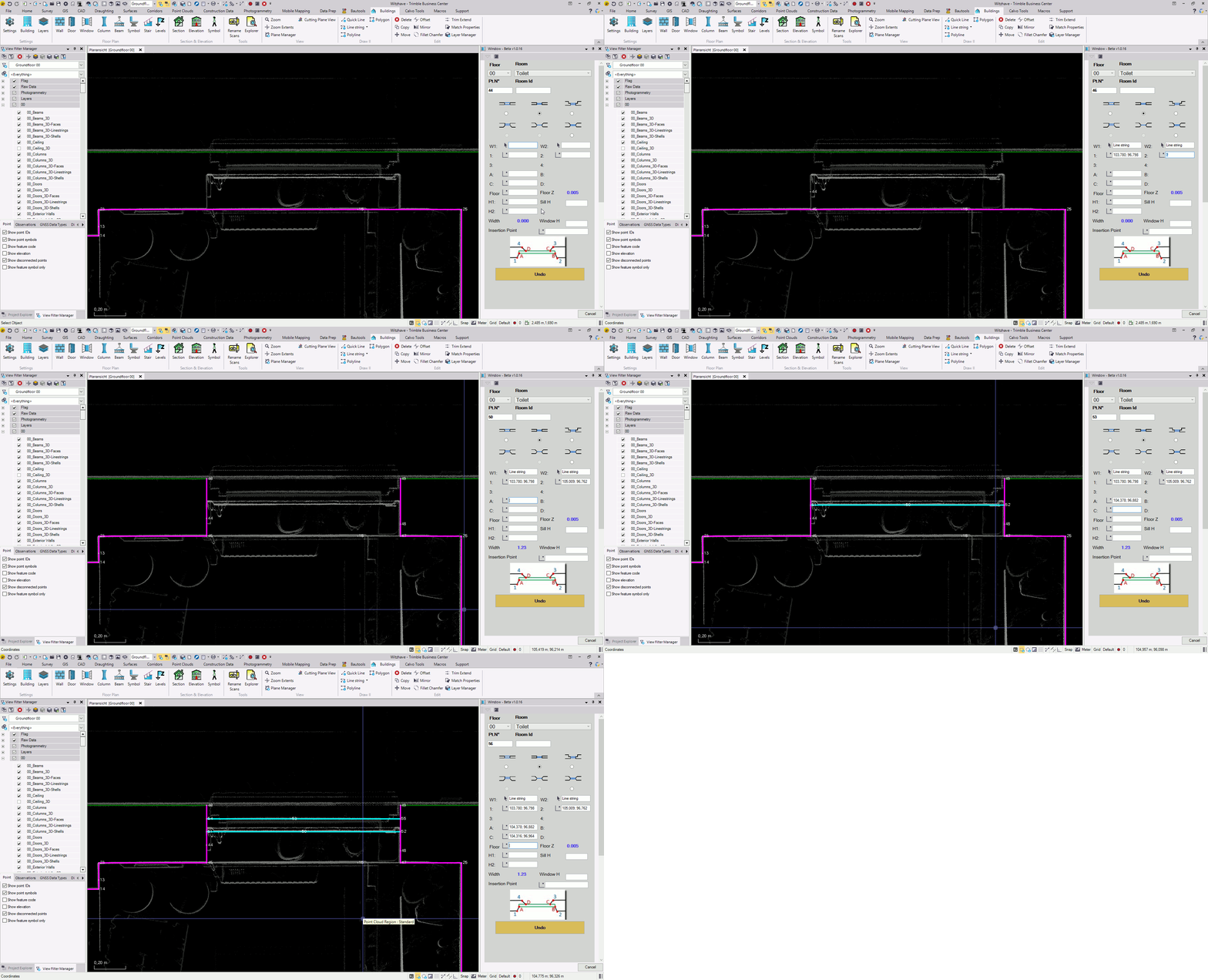
Floor, room and other assignments.
Different window types.
Quick points selection and element creation.
Optional stamp with customizable window details.
3D element creation (optional).

Columns
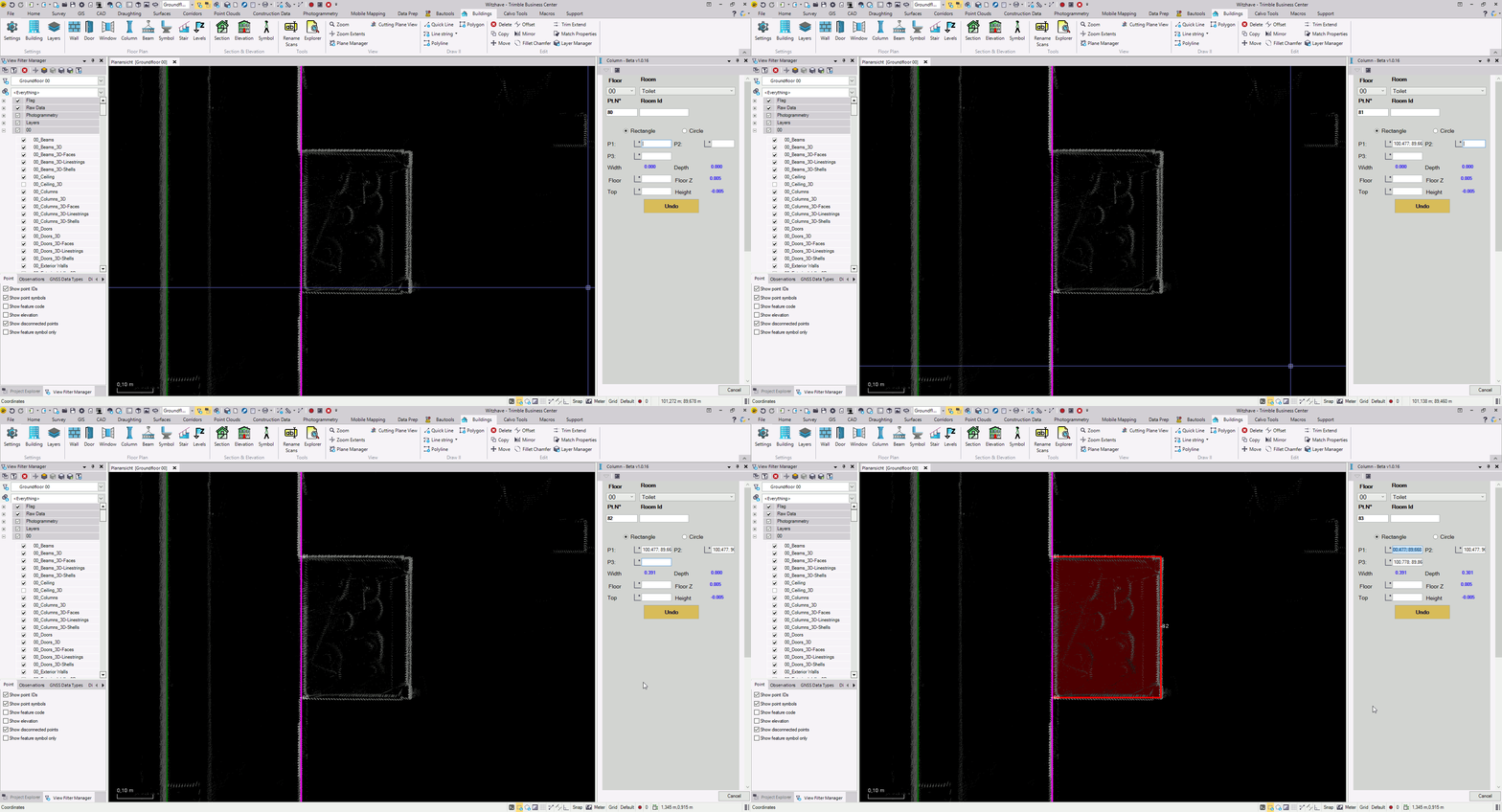
Floor, room and other assignments.
Rectangular or circular shapes.
3D element creation (optional).

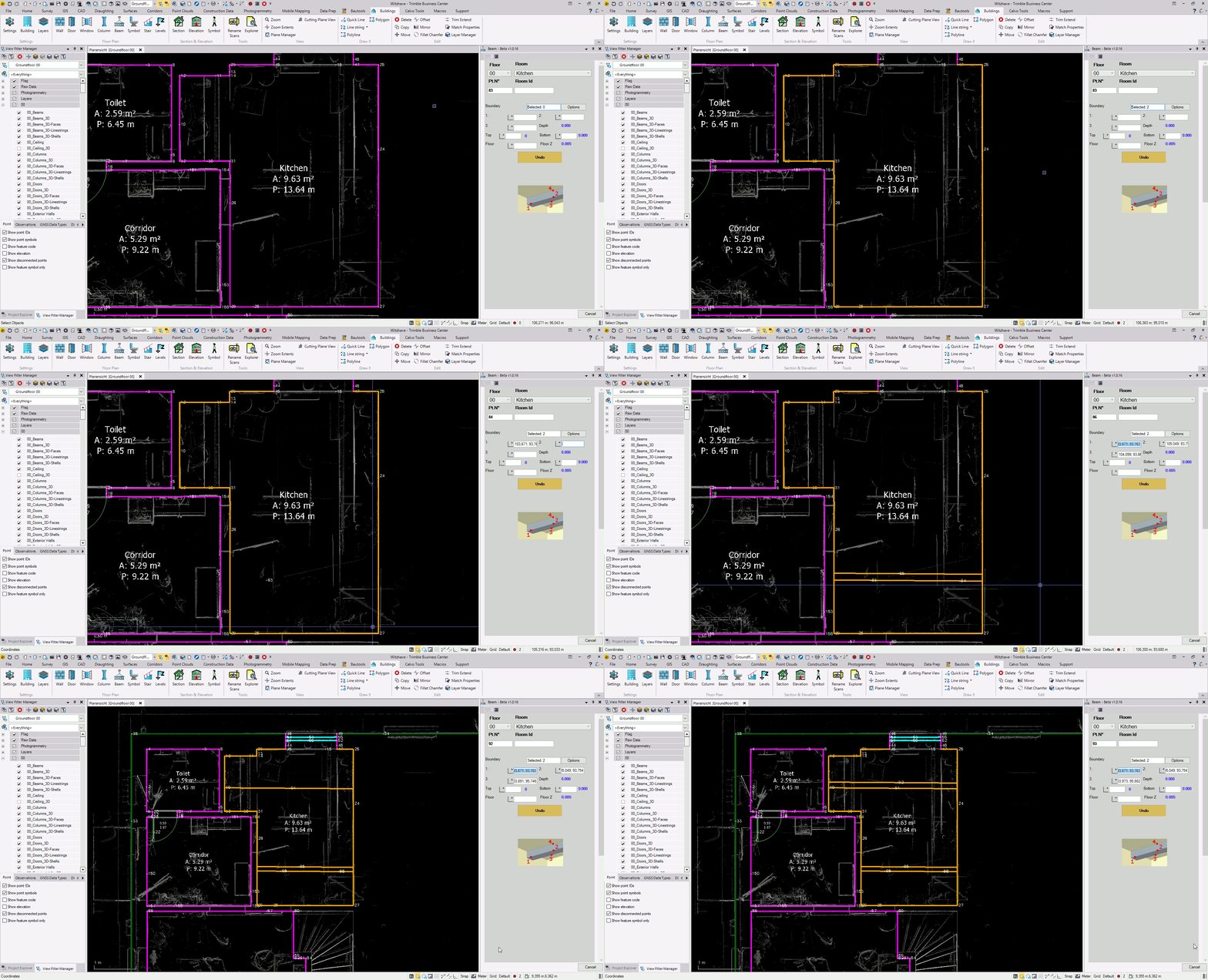
Beams
Floor, room and other assignments.
Automatic extension to selected boundaries.
Quick parallel lines creation and extension to boundaries.
3D element creation (optional).

Symbols
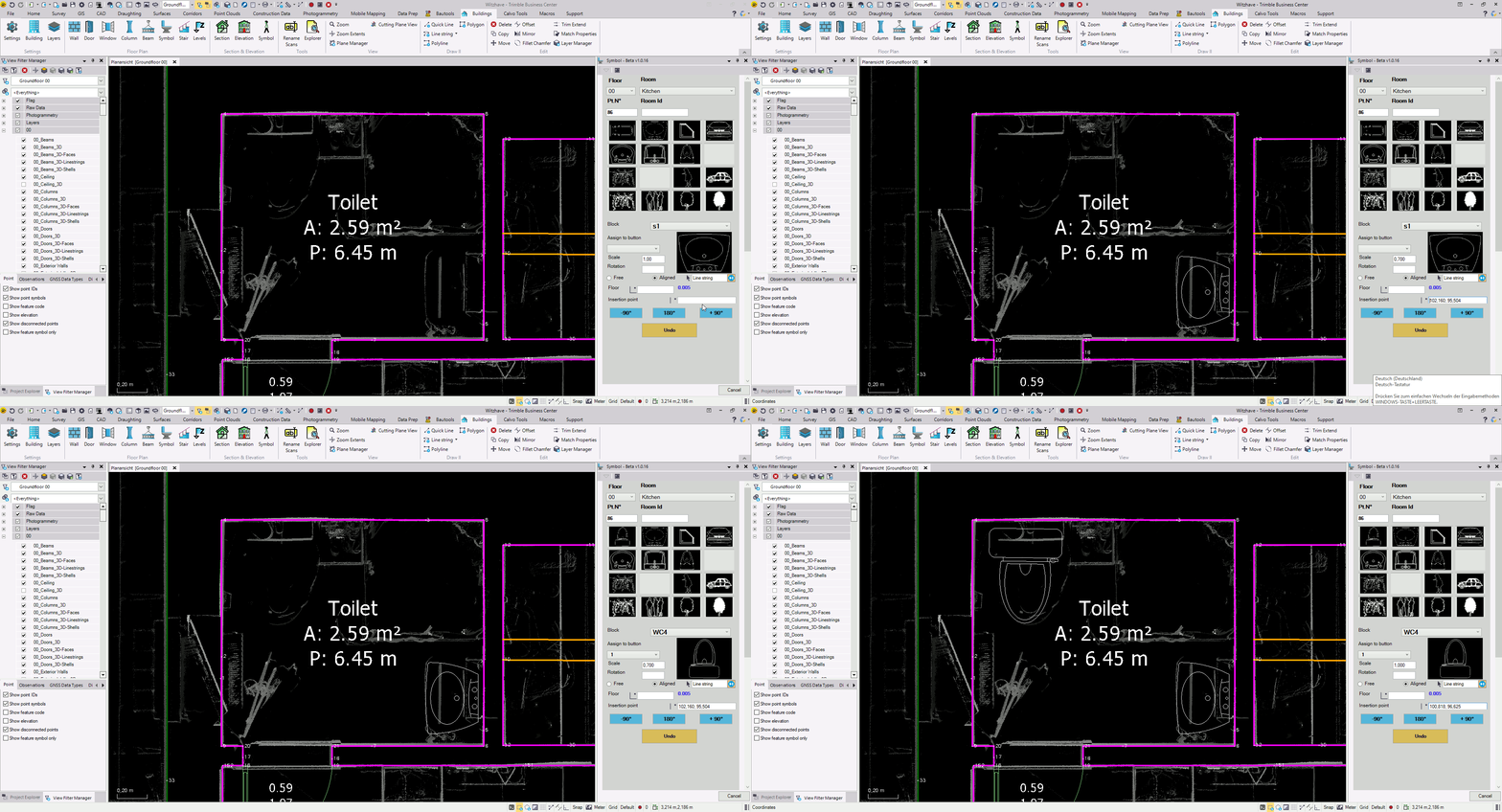
Floor, room and other assignments.
16 quick customizable buttons.
Free or perpendicular to a wall.
Possible to rotate after insertion.

Stairs
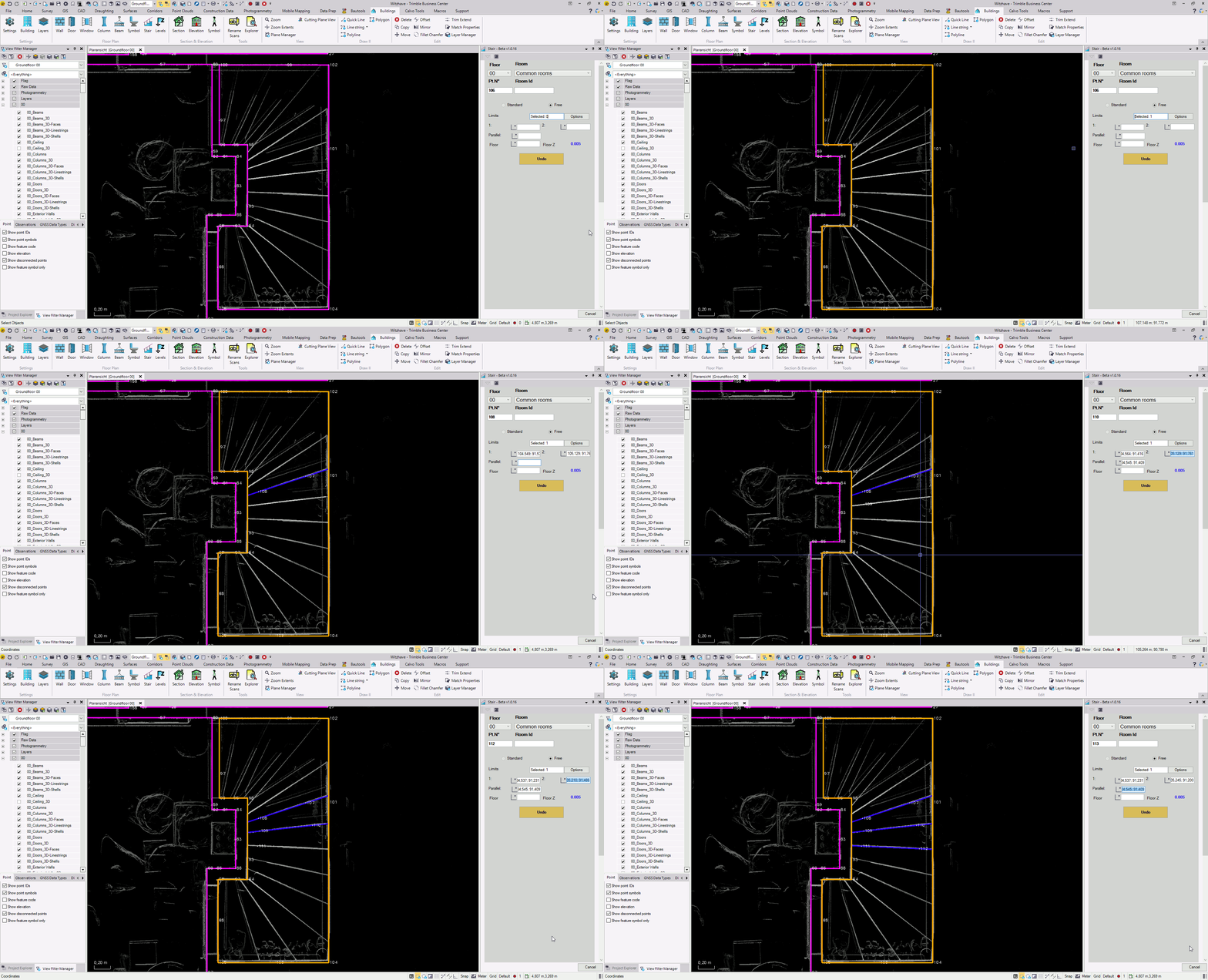
Floor, room and other assignments.
Automatic extension to selected boundaries.
Quick parallel lines creation and extension to boundaries.

Levels
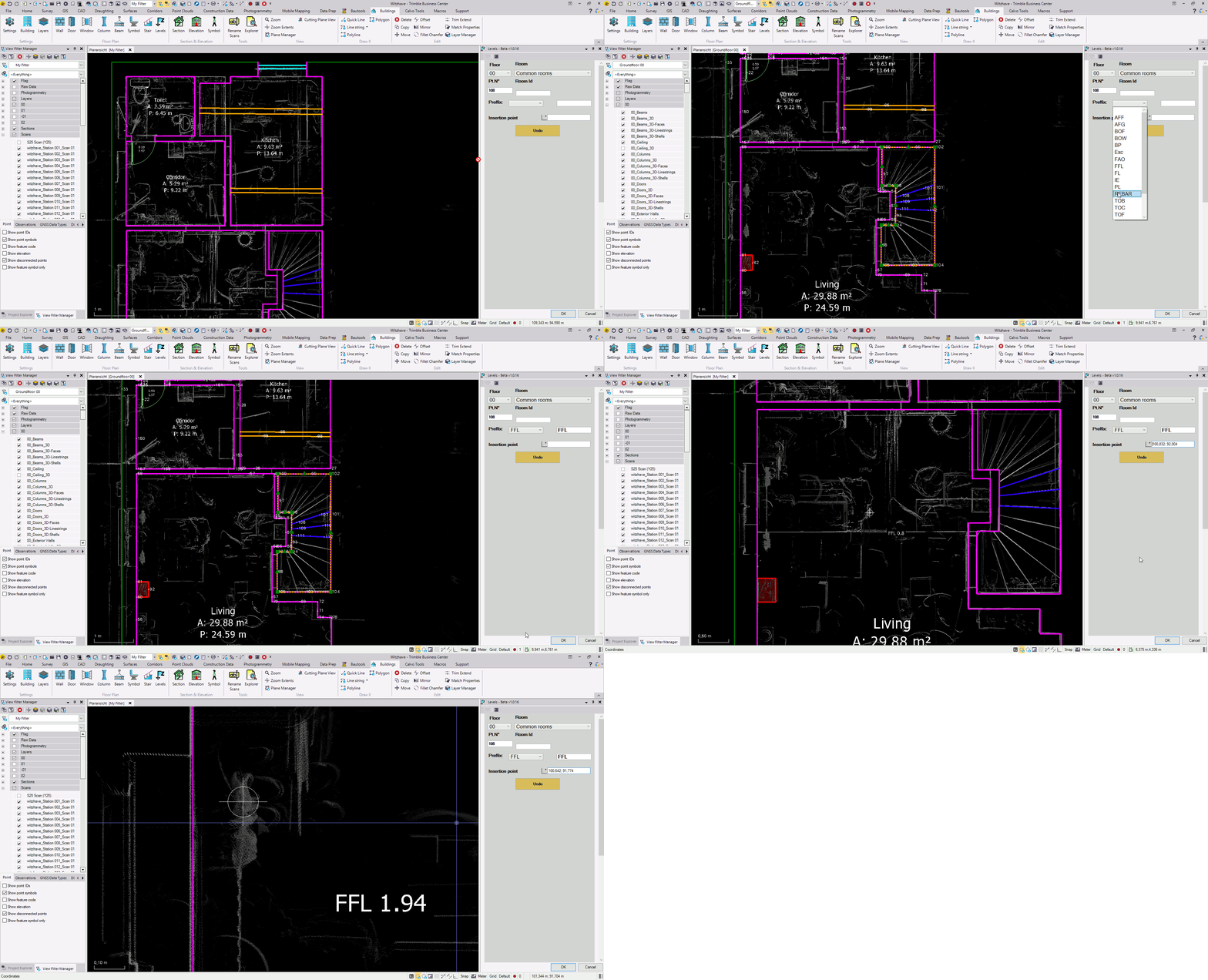
Floor, room and other assignments.
Customizable list of predefined preffixes.
Quick insertion of floor and ceiling levels.
Sections

Sections
Definition of multiple sections and projection onto the 2D view.
Automatic creation of cutting planes.
Creation of points, lines, polylines, rectangles, arcs, circles, levels, etc.
Automatic extension to boundaries.
Different depth planes and representation.
Quick insertion of vertical simbols.

Elevations

Elevations
Definition of multiple sections and projection onto the 2D view.
Automatic creation of cutting planes.
Creation of points, lines, polylines, rectangles, arcs, circles, levels, etc.
Automatic extension to boundaries.
Different depth planes and representation.
Quick insertion of vertical simbols.
Tools

Rename scans
Text selection to be replaced on the scan names i.e. "Project_Station".
Conversion into shorter names that are visible inside the station view lists.

Explorer
Elements grouping and ordering by floors.
Zoom to specific elements.
Export to Excel.
3D Models
Optional automatic 3D object creation during the floor plan creation.
Different 3D object types supported: Linestrings, 3D Faces and 3D Shells.
Lights and shading support in the 3D view.
Resellers
Buildings Plugin for TBC is exclusively distributed by Trimble resellers. For additional information, please contact your local Trimble Business Center provider
You can find your corresponding local Trimble reseller on Trimble´s site: Find Reseller
If you don´t find a local reseller, please get in touch with us directly and we will forward you to the corresponding reseller: info@tbc-buildings.com
Contact
For additional information, please contact your local Trimble Business Center provider
Our contact data are as follows: